Memory Management
FlowDown’s Memory stores facts for later recall. Use proactive context to auto-share recent facts and the Memory list to curate what stays.
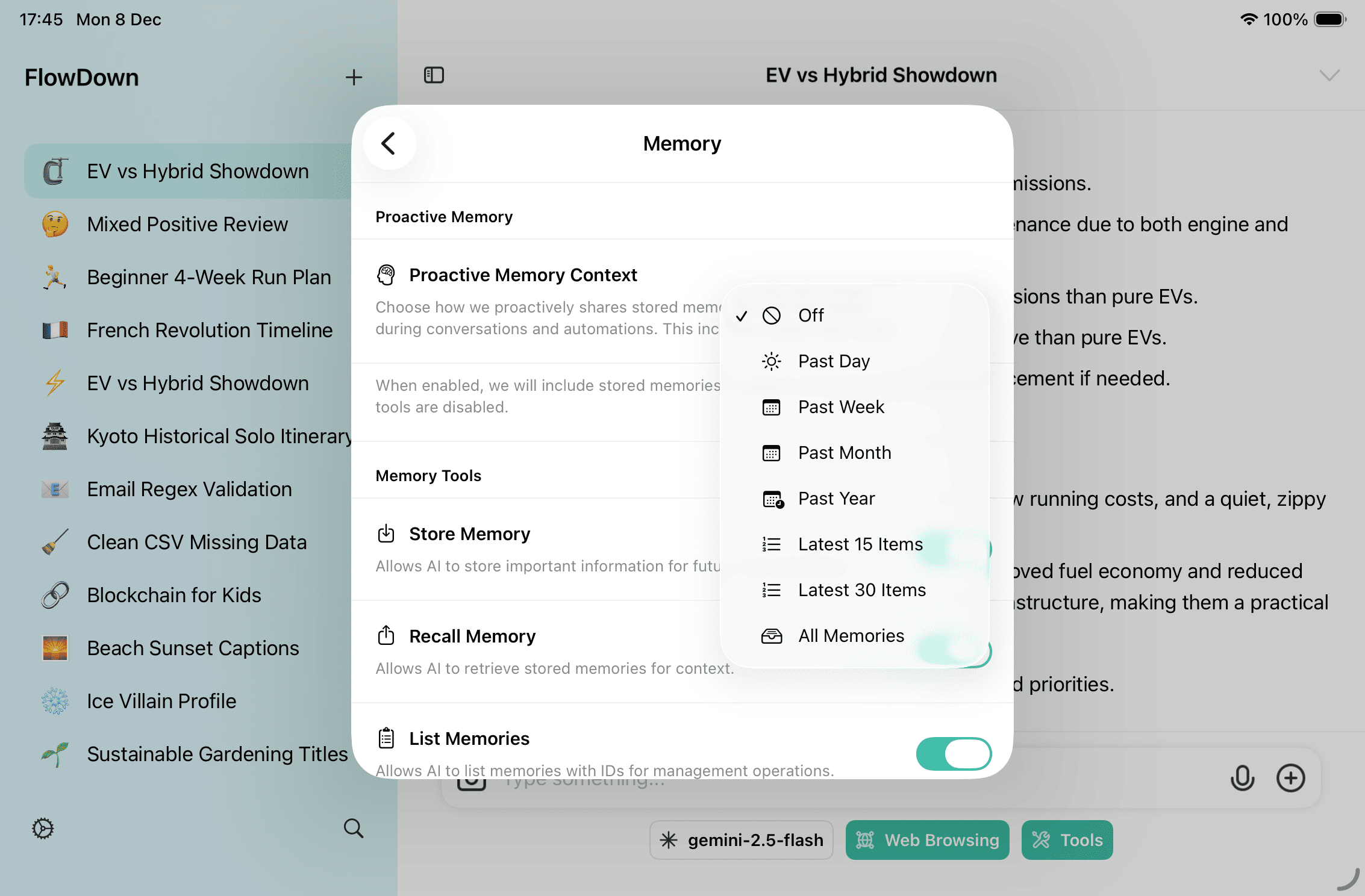
Proactive Memory Context
- Choose how much history the assistant can surface automatically (past day/week/month, latest N items, or off).
- Larger windows improve recall but consume more tokens; keep it minimal for long, tool-heavy chats.
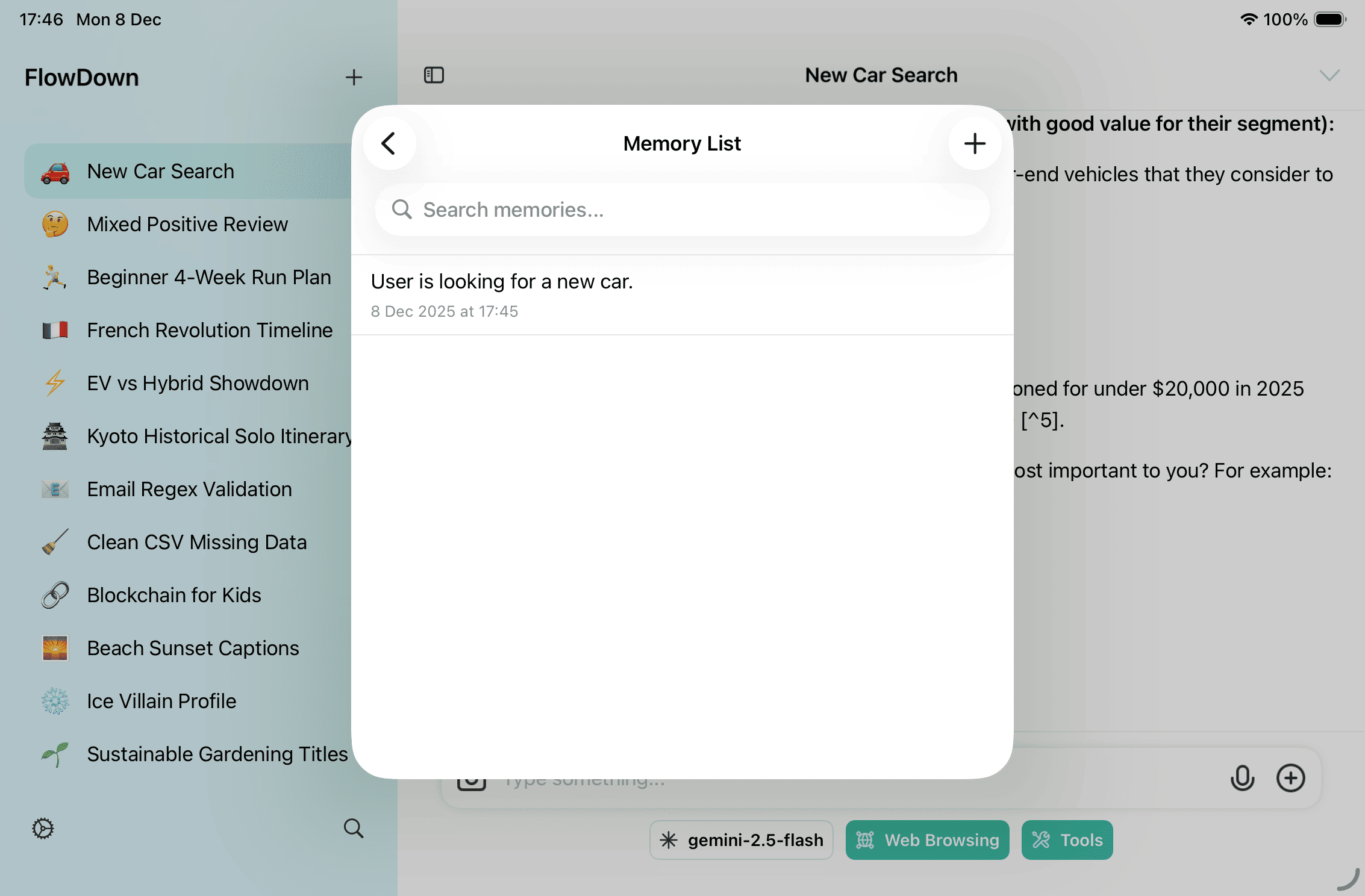
Browse, Search, and Edit Memories
- Open the Memory list to search, inspect timestamps, and delete incorrect entries.
- Export memories as JSON when you need a backup or to move between devices.
Tips
- Store recurring facts (IDs, constraints, personas) instead of repeating them in every prompt.
- Clear stale memories before sensitive sessions to reduce accidental leakage.
- When switching to non-memory models, keep proactive context off to save tokens.