General & Appearance Settings
Tailor FlowDown’s look and editor behavior to fit your workspace. Use the settings below to keep the UI consistent across devices and reduce mistakes when sending messages.
Appearance & Theme
- Switch among Light / Dark / System themes and adjust font size for markdown and chat content.
- Keep system font sizing in mind on iOS/iPadOS/macOS—accessibility settings will cascade.
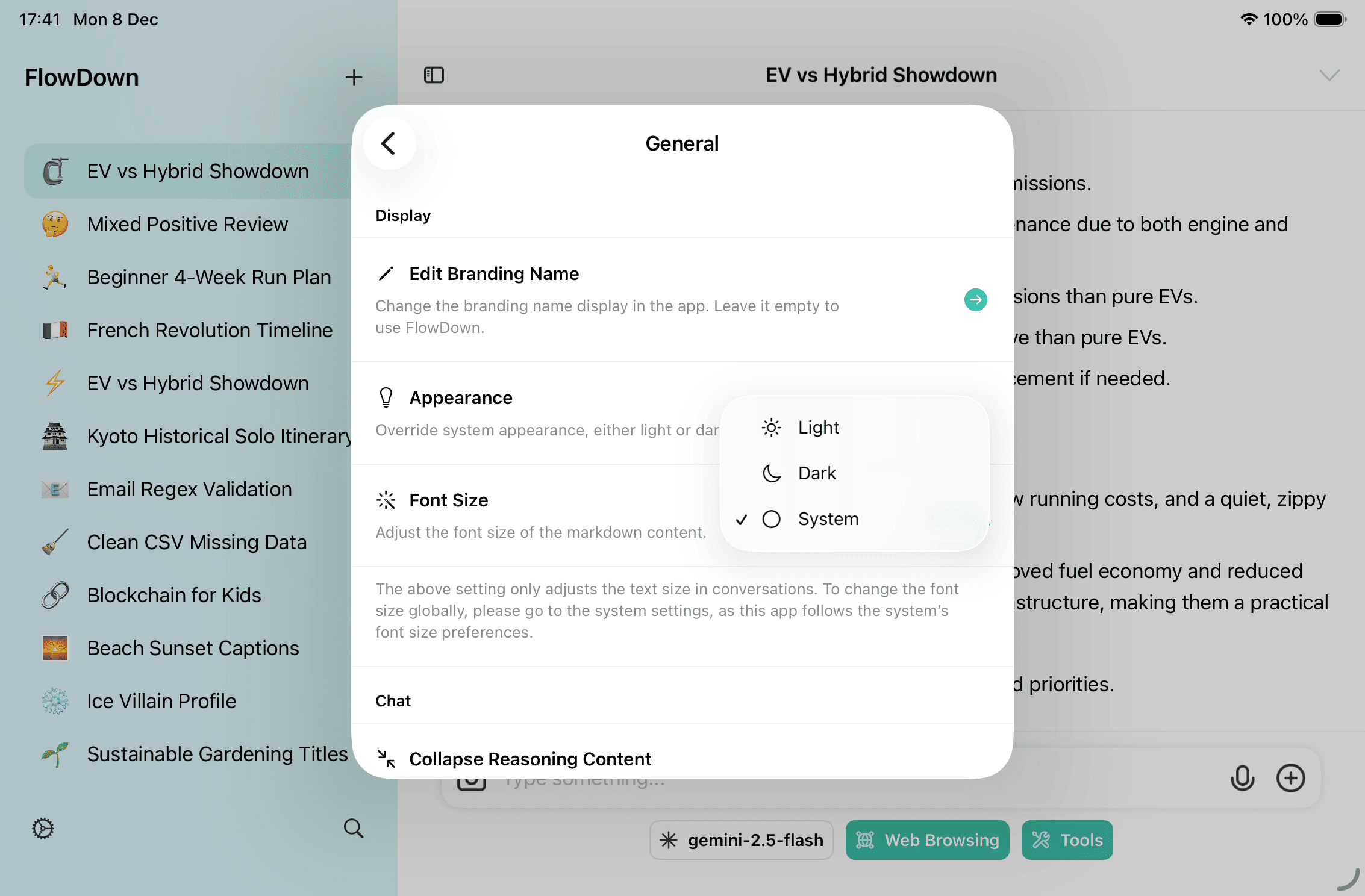
Branding Name
- Change the top-level display name (e.g., company or team name). Leave empty to keep “FlowDown.”
- Good for shared devices or kiosk-like setups where branding matters.
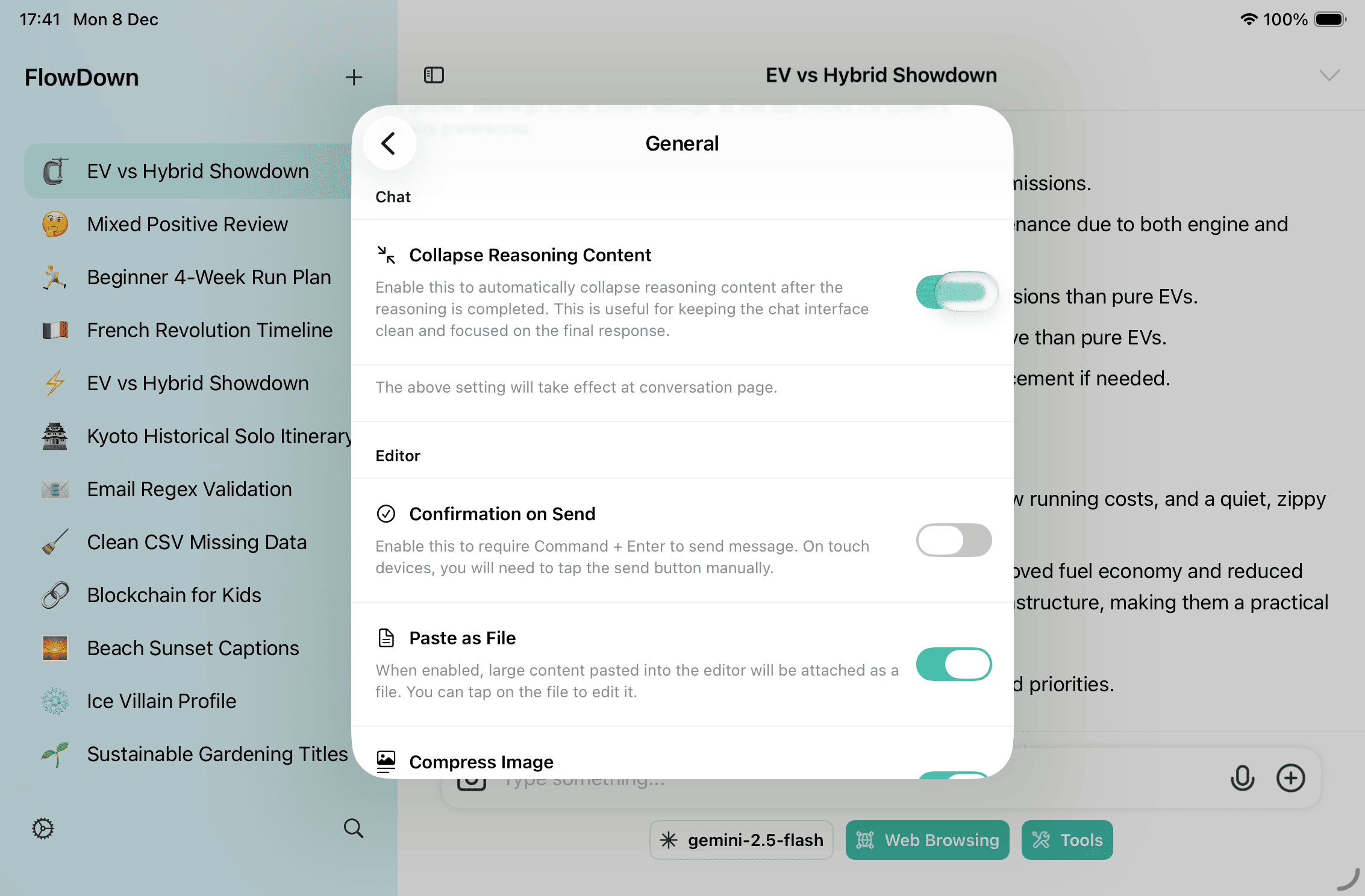
Editor & Sending Preferences
- Send confirmation prevents accidental sends (Command/Ctrl + Enter).
- Paste as File converts large pastes to attachments to avoid prompt bloat.
- Compress Image shrinks images before upload; EXIF is removed either way.
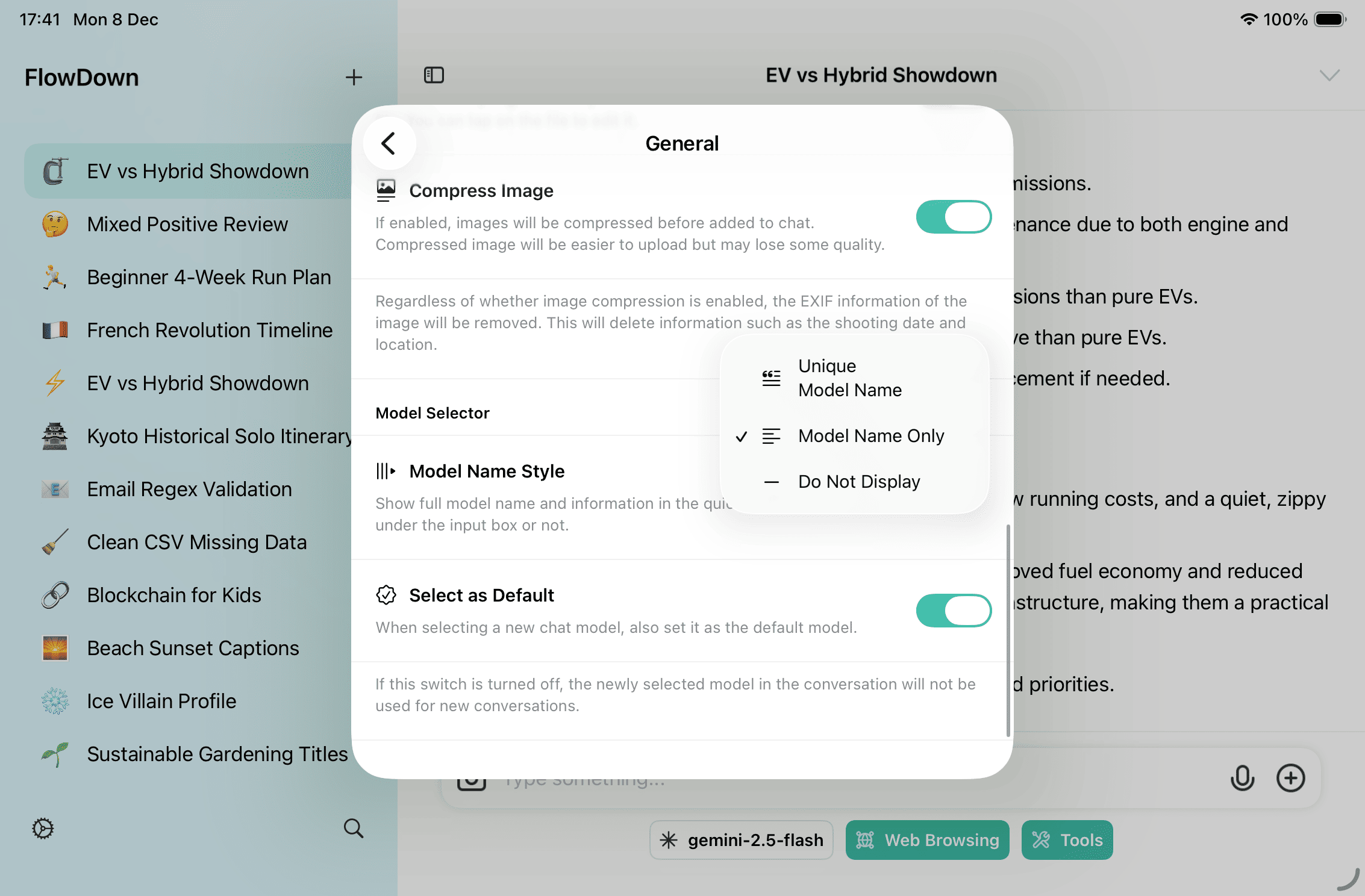
Model Name Display
- Pick how model names appear in chips (full name vs. short vs. hidden) to declutter the composer.
Quick theme switcher (modal example)
- Another entry point to theme, font, and branding tweaks.