Data Backup & Reset
Centralize backup, export, and reset guidance so you can safely move or wipe data.
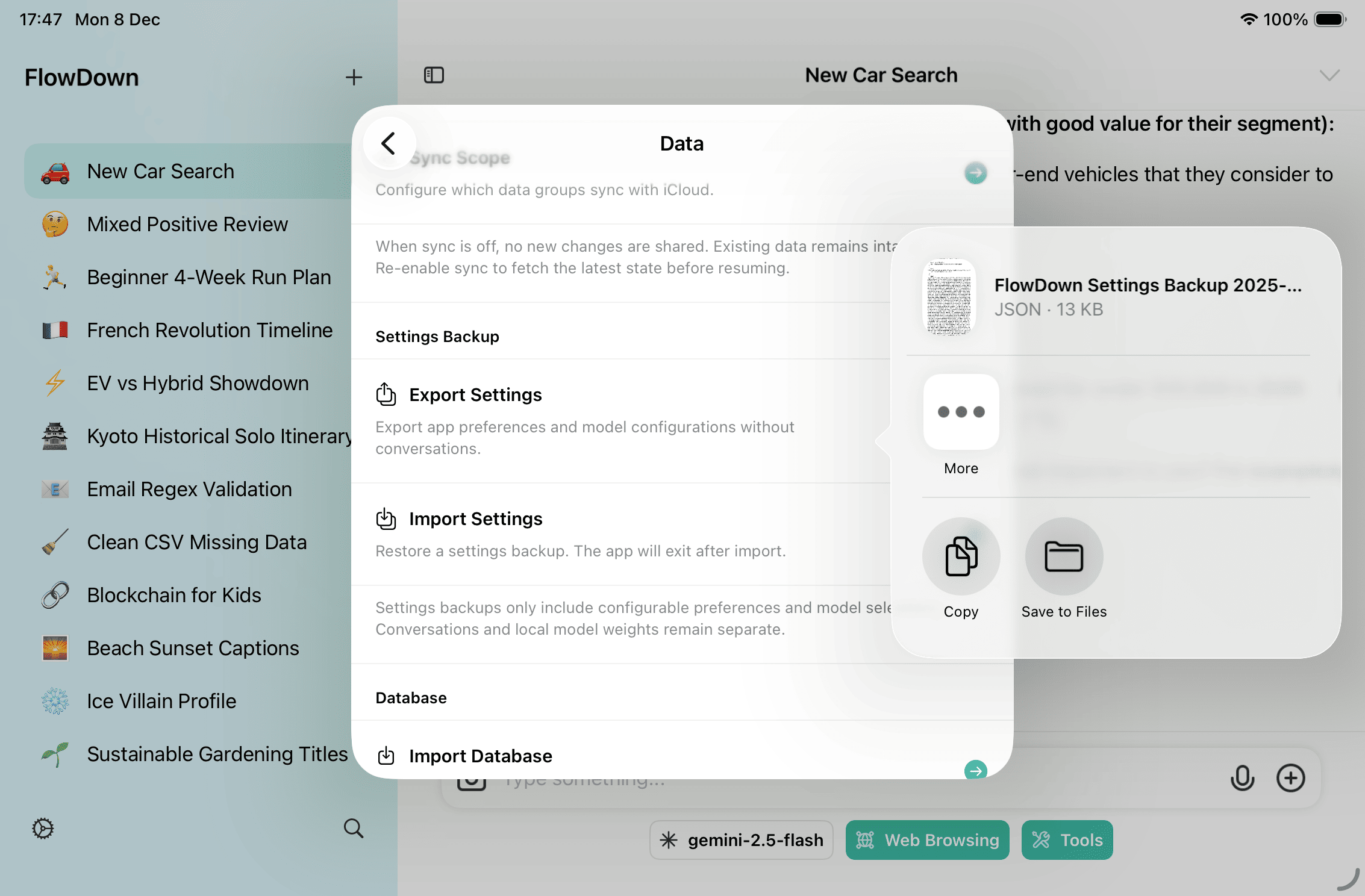
Export Settings & Backups
- Use Settings → Data → Export Settings to save app preferences and model configurations (without conversations).
- Use Export Workspace / Export Database when you need full chat history and cloud model configs.
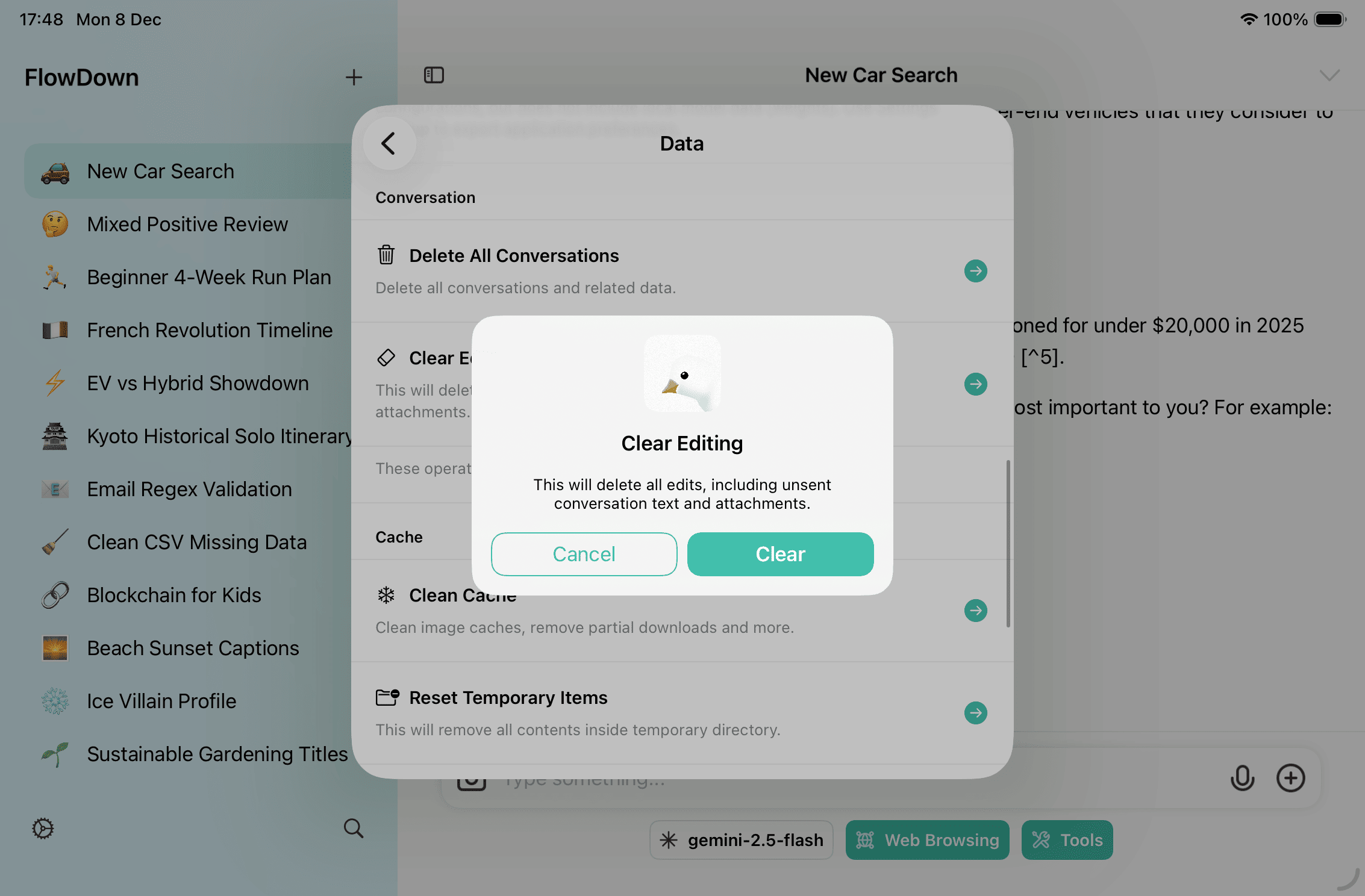
Reset & Risk Warnings
- Reset Editing or other destructive actions cannot be undone. Always export first.
- For sync issues, prefer Reset Sync State before a full reset.
Recommendations
- Before upgrading TestFlight or switching devices, export workspace + settings.
- Remove credentials before sharing backups.
- After resets, verify iCloud toggles and scopes before re-enabling sync.